
How MergeWiFi’s Dual Modem Technology Switches Carriers
MergeWiFi routers use a dual modem design and NetScan to scan carriers, pick the best network, and fail over automatically if performance drops or a carrier goes down.
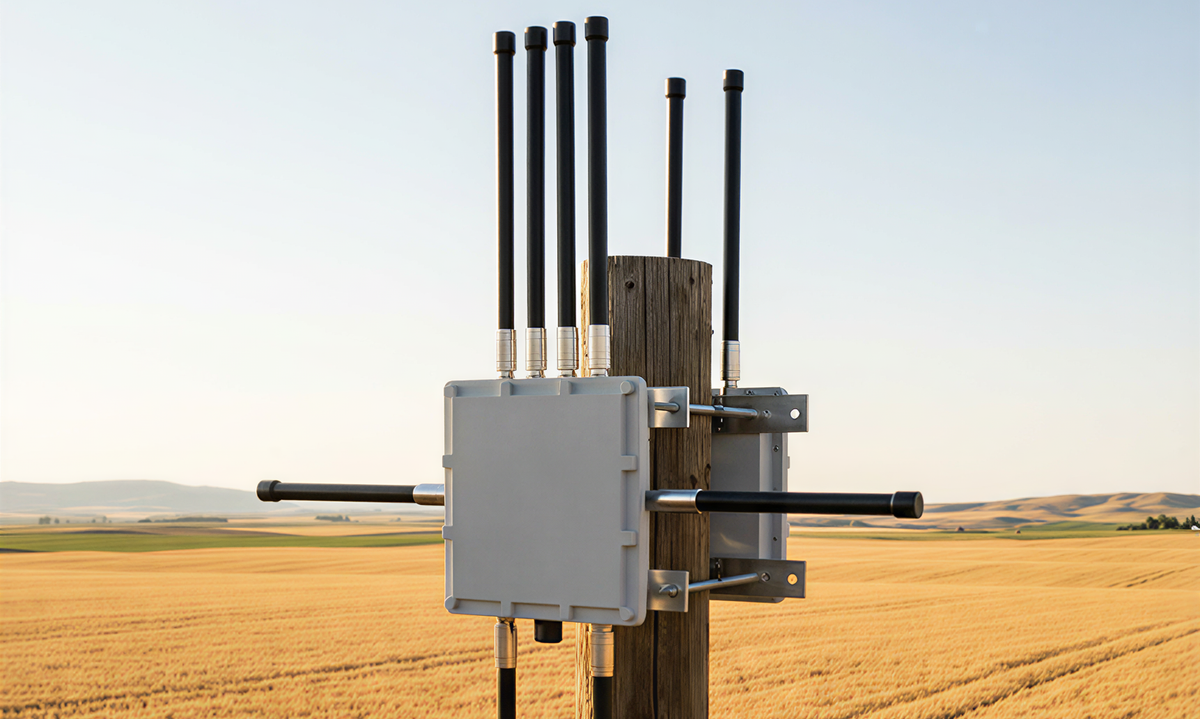
Inside the tech that keeps you connected.
When one carrier isn’t working, your router doesn’t wait
If your current network slows down, degrades, or drops entirely, a MergeWiFi router can switch to another carrier automatically. But how does that happen without constantly interrupting your work?
It comes down to dual modem architecture plus intelligent network scanning.
The key idea: two modems, two jobs
MergeWiFi routers use dual modem technology, where each modem has a distinct role:
- Modem 1: SIM management plus carrier and network detection
- Modem 2: Your active internet connection at high speeds (4G Cat 6, Cat 12, or 5G depending on your model)
This separation matters because network scanning and carrier switching can happen independently from your active data connection. In other words: the router can evaluate networks without forcing you to stop what you’re doing.
NetScan: zero-configuration carrier detection
Our routers use NetScan to automatically detect your region and connect to the strongest available cellular network, without manual configuration.
When you power on, the router:
- Scans available carriers in your area
- Evaluates signal strength and network quality
- Connects to the best option automatically
This works whether you’re at home, at the office, or on the road.
Automatic failover when things go wrong
If your connected carrier has an outage, or performance drops below usable thresholds, the router detects the problem and switches automatically.
The data link control system monitors the connection and triggers a carrier change when:
- No network is detected, or
- Performance degrades to an unusable level
You stay online. The switch happens in the background.
Fine-grained control when you need it
Most users never touch advanced settings, but for technical teams and power users, MergeWiFi routers can support:
- Mobile band locking (force specific LTE or 5G bands)
- Cell locking (connect to a specific tower)
- VLAN, firewall, and VPN configuration
- Static IP options for devices that need consistent addressing
What this means for your connectivity
Single-modem routers often experience switching lag because the same modem has to manage networks and carry traffic. With a dual modem approach, your internet modem stays focused on staying connected while the management modem handles network intelligence.
Result: smoother failover, faster recovery, and fewer dropped connections.